 Computers
 Printers
 Wi-Fi &
 Email
 Phones
 Smart TVs
 Online Safety
 Software
 Photos
 One-on-One
Older adults & families
Patient, one-on-one help in the comfort of home. Computers, phones, printers, video calls, online safety, and all the questions in between.
Help for you or a loved one →
FRIENDLY. PATIENT. LOCAL.
From patient in-home help for older adults and families to practical support for students and small to mid-sized businesses, our Computer Helpers make technology easier. No confusing tech talk. No question is too small.
Prefer email? support@frontporchcomputerhelp.com
TECHNOLOGY HELP FOR EVERYDAY LIFE
Personal attention and practical solutions, whether you're learning something new, running a business, or keeping your family connected.
Patient, one-on-one help in the comfort of home. Computers, phones, printers, video calls, online safety, and all the questions in between.
Help for you or a loved one →Keep your team connected and productive with workstation setup, Wi-Fi, printers, Microsoft 365, software, and everyday troubleshooting.
Explore business support →Get your study space or next project working. Laptop setup, backups, projectors, connected devices, and hands-on guidance.
Make your setup work →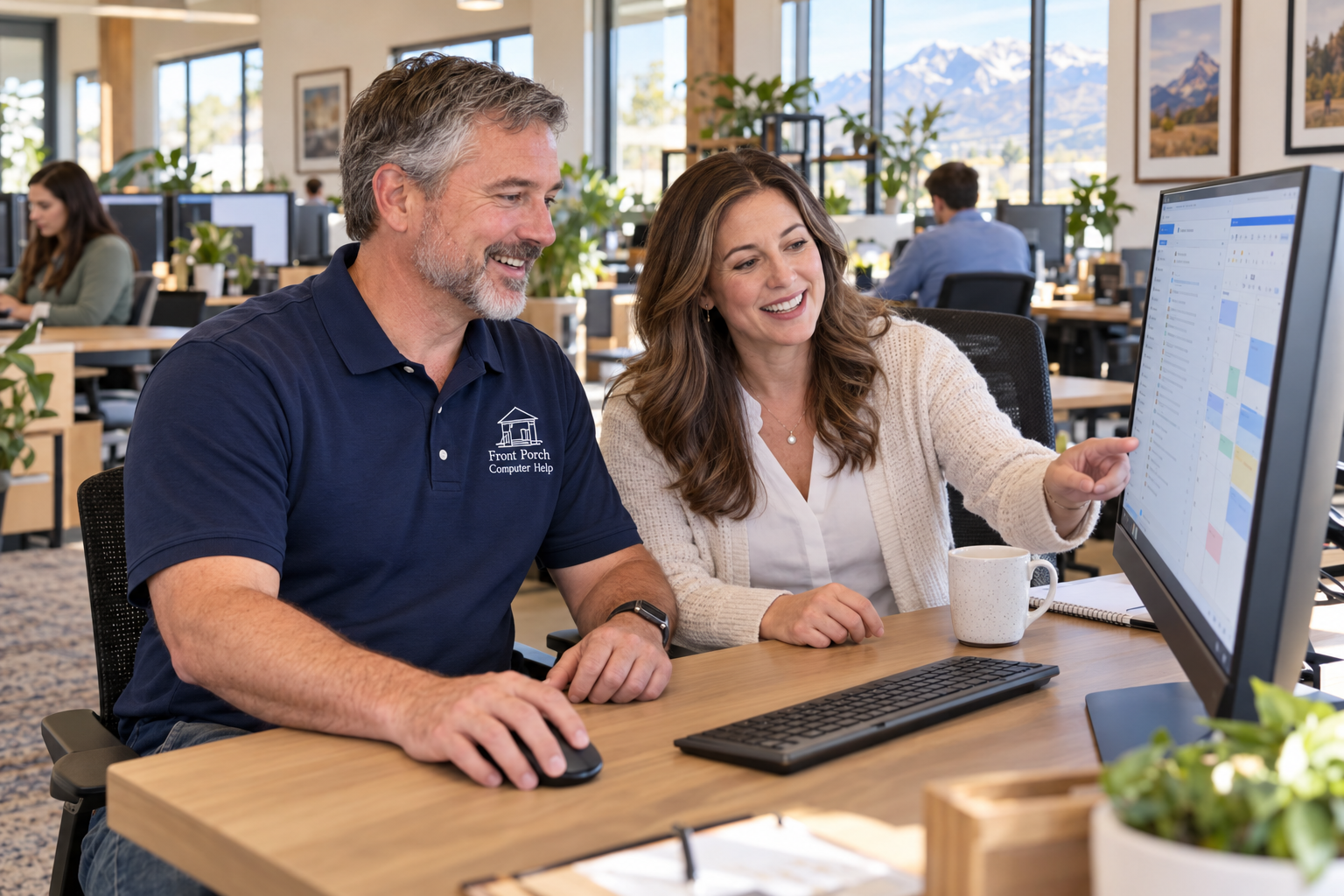
Professional technology support with the same friendly, personal service you expect from a neighbor.
A new semester, a better study space, or a project you've been meaning to tackle—we'll help you connect the pieces and understand how they work.

STRAIGHTFORWARD PRICING
Each additional 15 minutes: $25
Travel within 5 driving miles included.
Get comfortable with your computers, printers, and Wi-Fi. We set up new devices, solve everyday problems, and explain each step at your pace.
Each additional 15 minutes: $25
Great for many software and settings issues.
Connect with your Computer Helper for email, software, and settings support. We guide you through everyday problems from the comfort of home.
No contracts. No confusing fees. You'll know what you're paying before work begins.
Front Porch Computer Help is a small, locally owned technology support company backed by more than 20 years of professional technology experience, including experience at Microsoft and working with large global organizations.
We bring that experience closer to home, helping older adults, families, students, and local businesses solve everyday technology problems with patience, professionalism, and a personal touch.
Sometimes you just need a Computer Helper.
Tell us what’s happening. We’ll help you choose the next step—no question is too small.
If you have a parent or relative who could use patient, in-person technology assistance, you can contact Front Porch Computer Help on their behalf.
Don't call the number in a suspicious pop-up. Don't send gift cards or cryptocurrency. Call Front Porch Computer Help first if you'd like help figuring out what you're looking at.
We will never ask you to email passwords, banking information, payment-card details, gift cards or cryptocurrency. We also don't work inside customers' banking or financial accounts.
Our primary computer support is for Windows PCs. We do provide iPhone and iPad help. If you have a Mac issue, call us and we'll let you know whether it's something we can assist with.
Usually, no. We prefer that you enter your own passwords. If a temporary credential is genuinely needed for off-site setup, we'll discuss the safest approach first.
No. Tell us what's happening and we'll determine the best way to help when we follow up.
Lindon, Orem, Vineyard, Pleasant Grove, American Fork, Provo, and surrounding communities in Utah.
GROW WITH FRONT PORCH
Friendly people. Practical solutions. A little more confidence with technology.
Thank you for your interest in Front Porch Computer Help. Please check back for future opportunities.